22-09-2026
The locker is taken, and nobody is using it
Office lockers run out faster than you would expect. Usually the problem is not the number of cabinets — it is that some cells belong to people who moved to remote work, changed floors, or simply forgot about their booking. From the outside the locker is taken; inside it is empty. The only way the office manager finds out is by walking the row and pulling the doors.
What is new
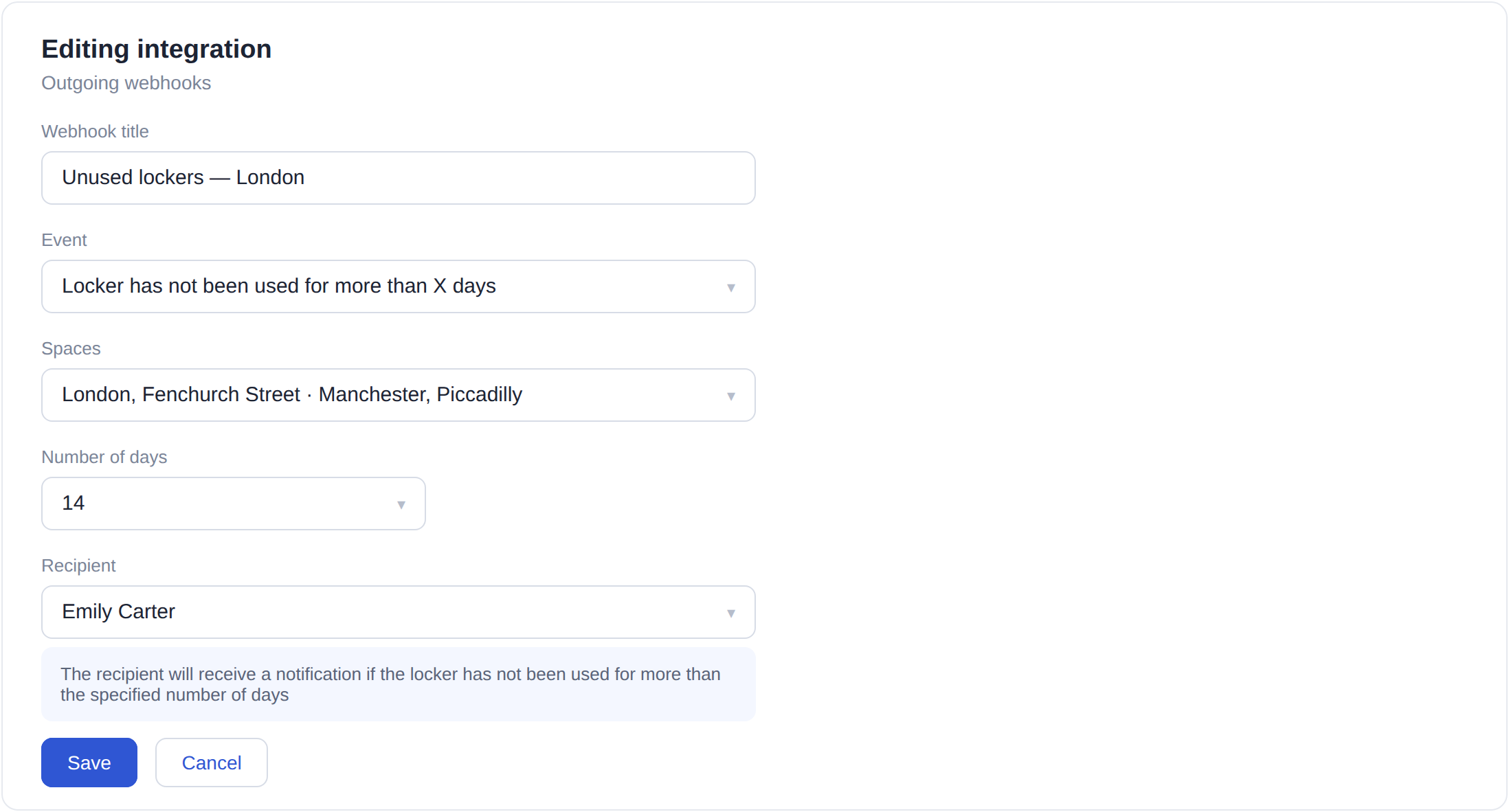
Outgoing webhooks now have a new event: «Locker has not been used for more than X days». It is set up like any other subscription — pick the spaces, set the number of days, and choose the recipient, an UnSpot user who looks after the lockers. The threshold is yours to decide: two weeks makes sense in one office, six in another.
What the email contains
Once a day the recipient gets an email listing the booked cells that were never opened during the period. Each cell comes with a direct link, plus a general link to the Lockers section. The decision stays with a person: message the owner, leave it as it is, or release the booking. The subscription never cancels anything by itself — it only shows where it is worth looking.
How the period is counted
Only completed days count, and only in the time zone of the office where the locker stands: the current day is never included. Set 14 days and the system looks at two full weeks up to and including yesterday, and a single opening inside that window is enough to keep the cell out of the email. While a cell stays unused it will show up again the next day. That is deliberate: the reminder does not disappear until somebody acts on it.
What you get
Lockers stop being a black box. Instead of a quarterly inventory you get a short email with a list of candidates to free up, and a real picture behind it. In an office with fewer cabinets than employees that is a direct saving: a released cell goes to someone who actually comes in, not to whoever claimed it first. And the conversation with the owner becomes concrete — not «it looks like you are not using it» but «the locker has not been opened for two weeks».
The setting is in Settings → Integrations → Outgoing webhooks → Create outgoing webhook.