
17-11-2026
Visitor pass requests now go straight to the person who handles them
A guest is due at ten, and the pass isn’t ready. The request went “somewhere to reception”, security is asking for ID details the request doesn’t have, and in the other office passes are handled by someone else entirely. The more offices and visitors you have, the more back-and-forth this creates.
In UnSpot, a visitor pass is now a service of its own that admins configure to match how their company works. You’ll find “Visitor passes” under office management.
Each request goes to whoever fulfils it
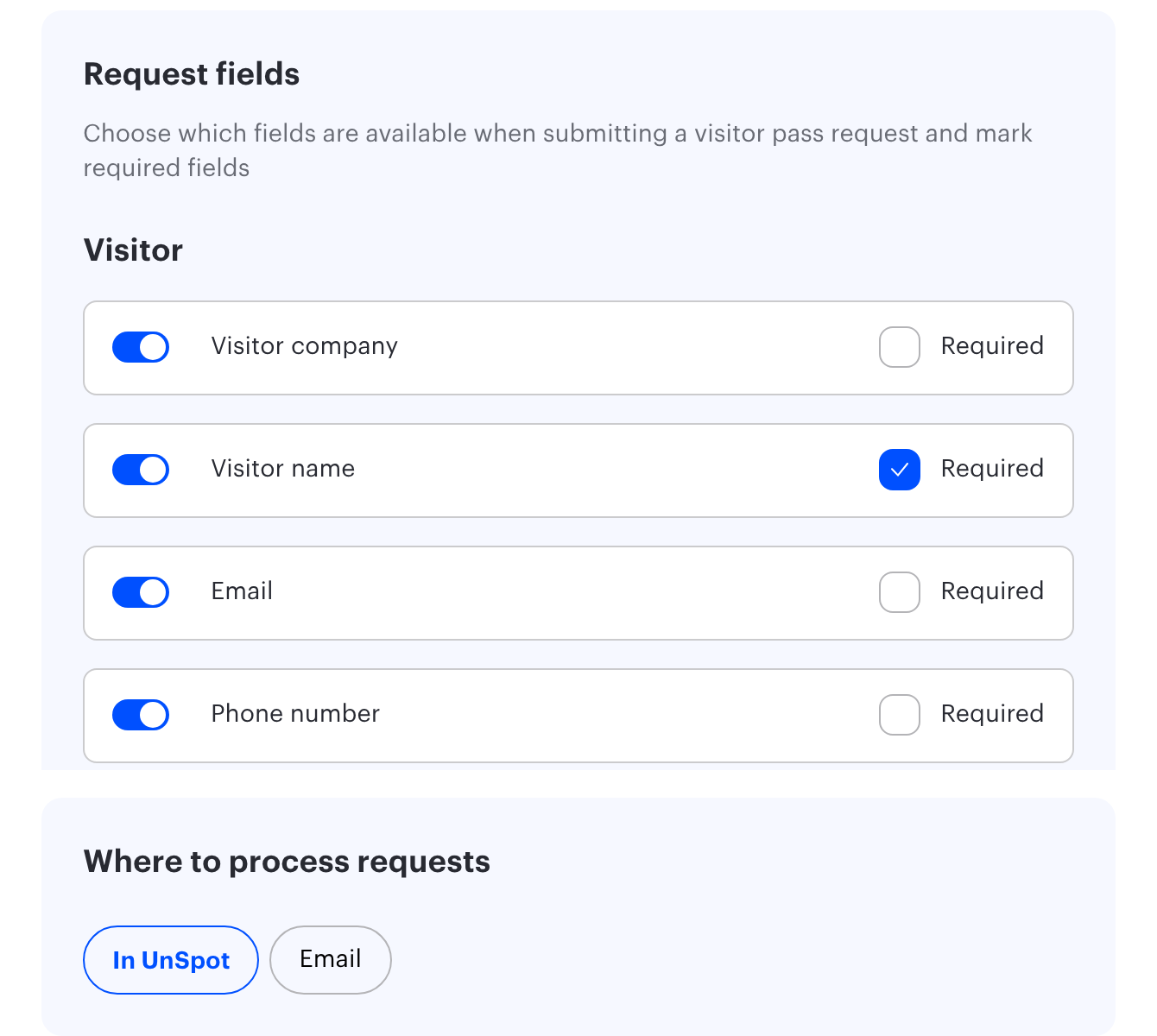
Every pass has an assignee: one for all offices or a separate one per office — “The request is sent to the assignee of the office where it was created”. If passes are issued by building security in their own system, choose “Email” under “Where to process requests”, and requests will be emailed to the responsible person or to an external ticket system.
Only the details that are actually needed
For each pass, admins choose which request fields are available and which are required. Some offices only need the visitor’s name and visit time; others need an identity document, vehicle or visitor photo. Employees pick an office and a pass and see the form for that pass — no extra fields and no follow-up questions.
The pass “Description” is a place for hints to employees: what to fill in, how far ahead to submit, where the guest should arrive. When requests go by email, you can add observers and send a copy of the request email to the assignee and the initiator, and for a ticket system specify the project ID and priority level.
A clear status for every request
The assignee, reception and office managers approve or reject requests, while the author and host can see the status and cancel the visit. The request list can be filtered by visit date, office, pass, host and assignee. The visitor gets an email only if the author chooses to send one.
A pass with active requests can’t be deleted — you can disable it so no new requests are created. And when an employee leaves the company, their upcoming requests are rejected automatically, so no guest arrives on a pass nobody is looking after.
What it gives you: guests don’t wait at the turnstile, reception and security get complete details in advance, and every office follows its own clear process — without forwarding requests by hand.