
05-11-2026
Every office gets its own request assignee
When a company has several offices, a “broken chair” request from the Frankfurt office should not land with the facility manager in New York. Yet until now a service in UnSpot had one assignee for all offices: that person received every request and forwarded them to colleagues by hand, if they remembered to.
A service where it is actually provided
Service settings now have an Availability block with two modes: All offices and Selected offices only. In the second mode the administrator adds offices and sets an assignee for each one. The request is assigned to the assignee responsible for the office where it was created. The mode is chosen for each service separately.
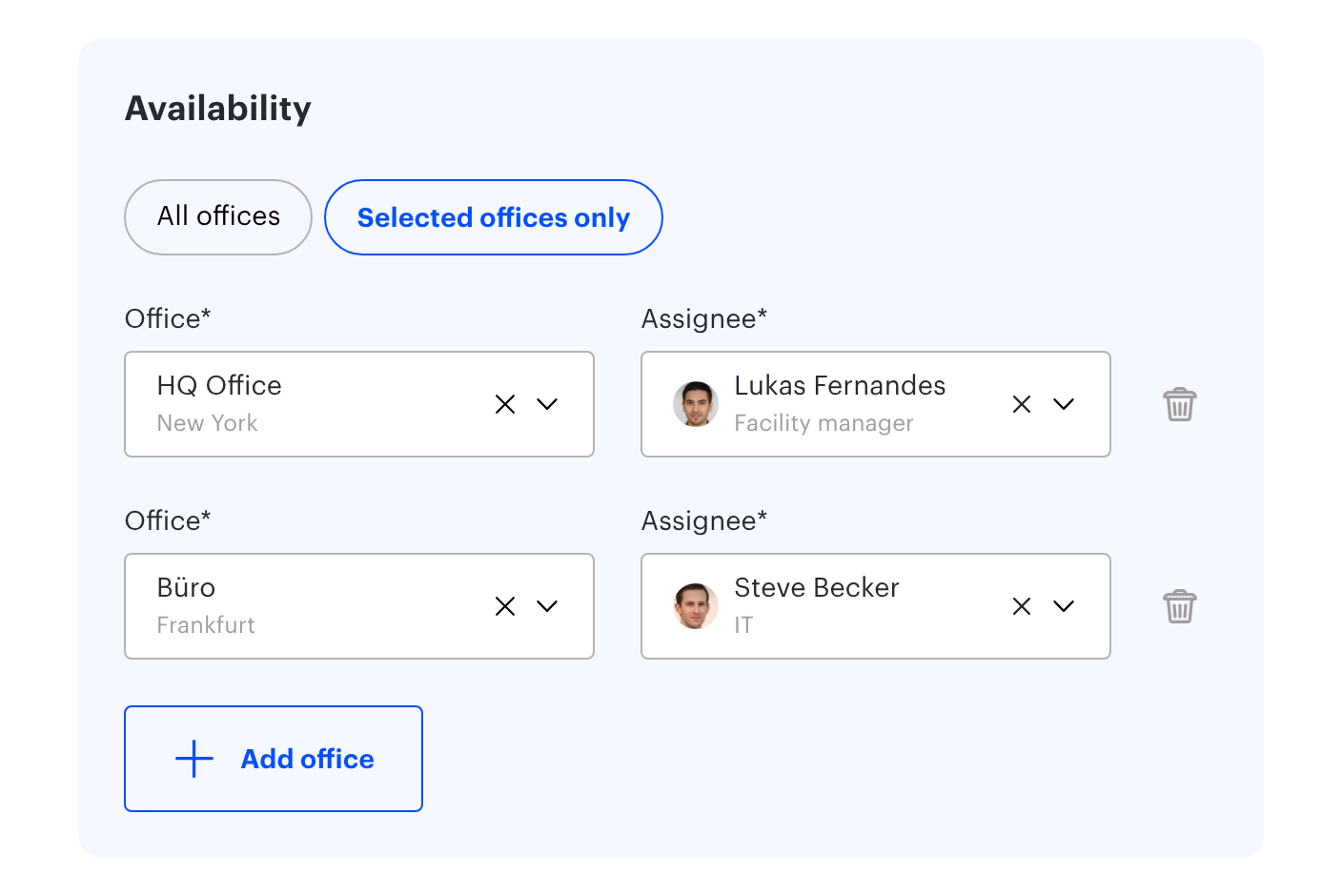
When creating a request, employees only see the services available in the selected office: a coffee break that is organised in one city will not be offered in another. The Office field in the Create a request window is optional; without it, the services available in all offices are shown. The public request page works the same way.
A request you can act on right away
In the Service request fields block the administrator can enable Due date and Files and images for a service and mark them as Mandatory. An employee attaches a photo of the broken chair and says by when it needs fixing, so the assignee does not have to ask. The request list now has filters by office and by due date, including requests with no deadline.
The queue is managed by someone on site
Changing the request assignee is no longer reserved for the owner: an Office manager can do it too, for the requests available to them, until the request reaches a final status. If the assignee is on holiday, the office manager hands the work to a colleague without waiting for anyone.
Why it matters
Requests go straight to the person who is in the right building instead of passing through a shared inbox. Each office works its own queue, while the company keeps a single service catalogue. When a new office opens, it is enough to add a row with that office and its assignee to the service settings; there is no need to create a separate service.