26-02-2026
Editing points of interest directly from the object card
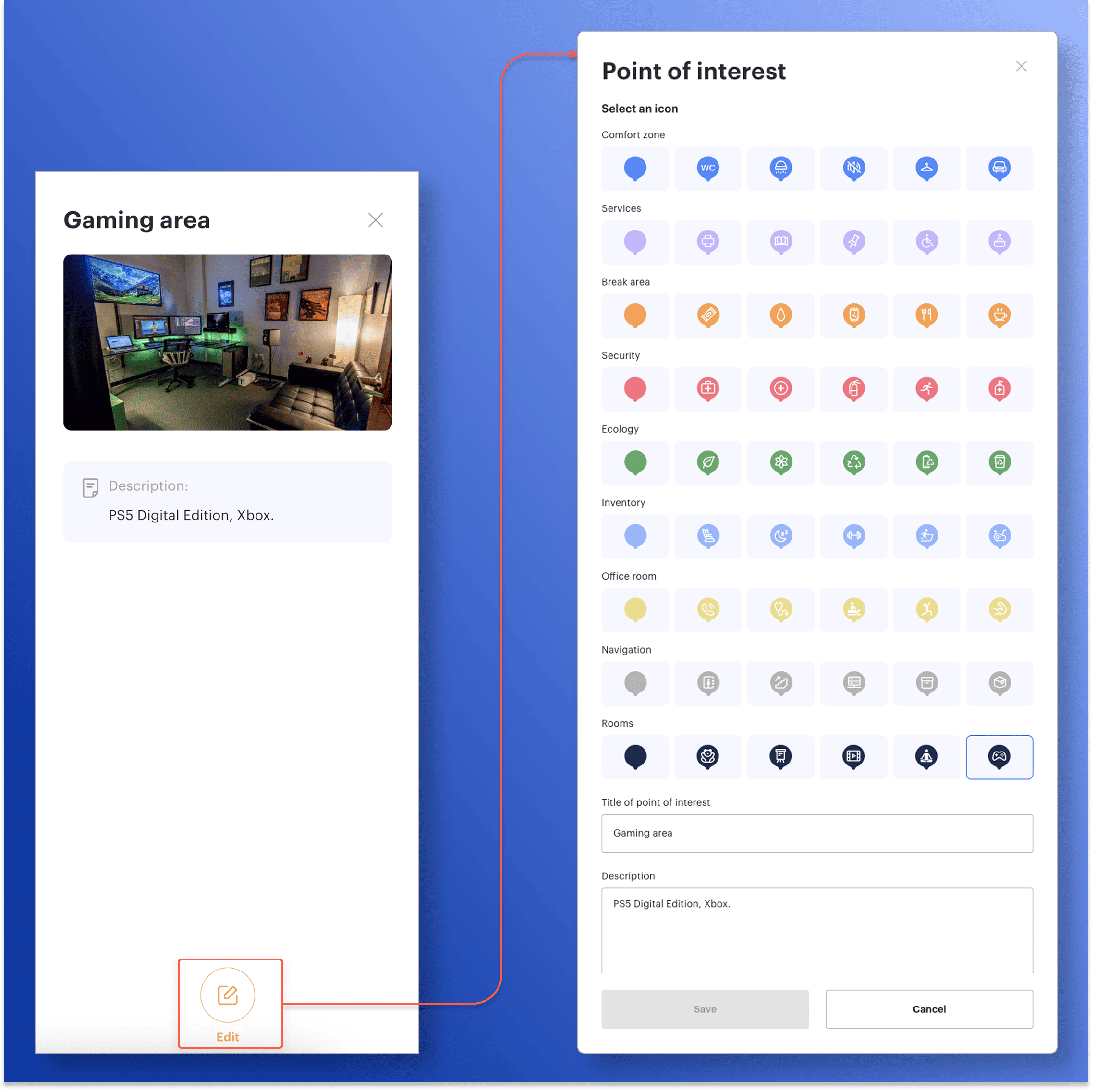
Now you can edit points of interest (POI) directly from the object card without switching to map edit mode. In the sidebar, administrators now have an Edit button that opens the edit window and lets them make changes right away.
This speeds up working with objects: to update a title, description, or icon, you no longer need to switch to a separate mode and search for the required point on the map again — changes are made “on the spot,” and after saving, the card immediately displays the updated data. As a result, keeping office map information up to date has become easier and faster.