
17-11-2026
Office attendance based on entries, not just bookings
The team agreed on three office days a week, but analytics shows two. Then comes an awkward conversation — and it turns out the person was in the office, just working from a meeting room or an unbooked desk. Booking numbers honestly show bookings, but not always presence.
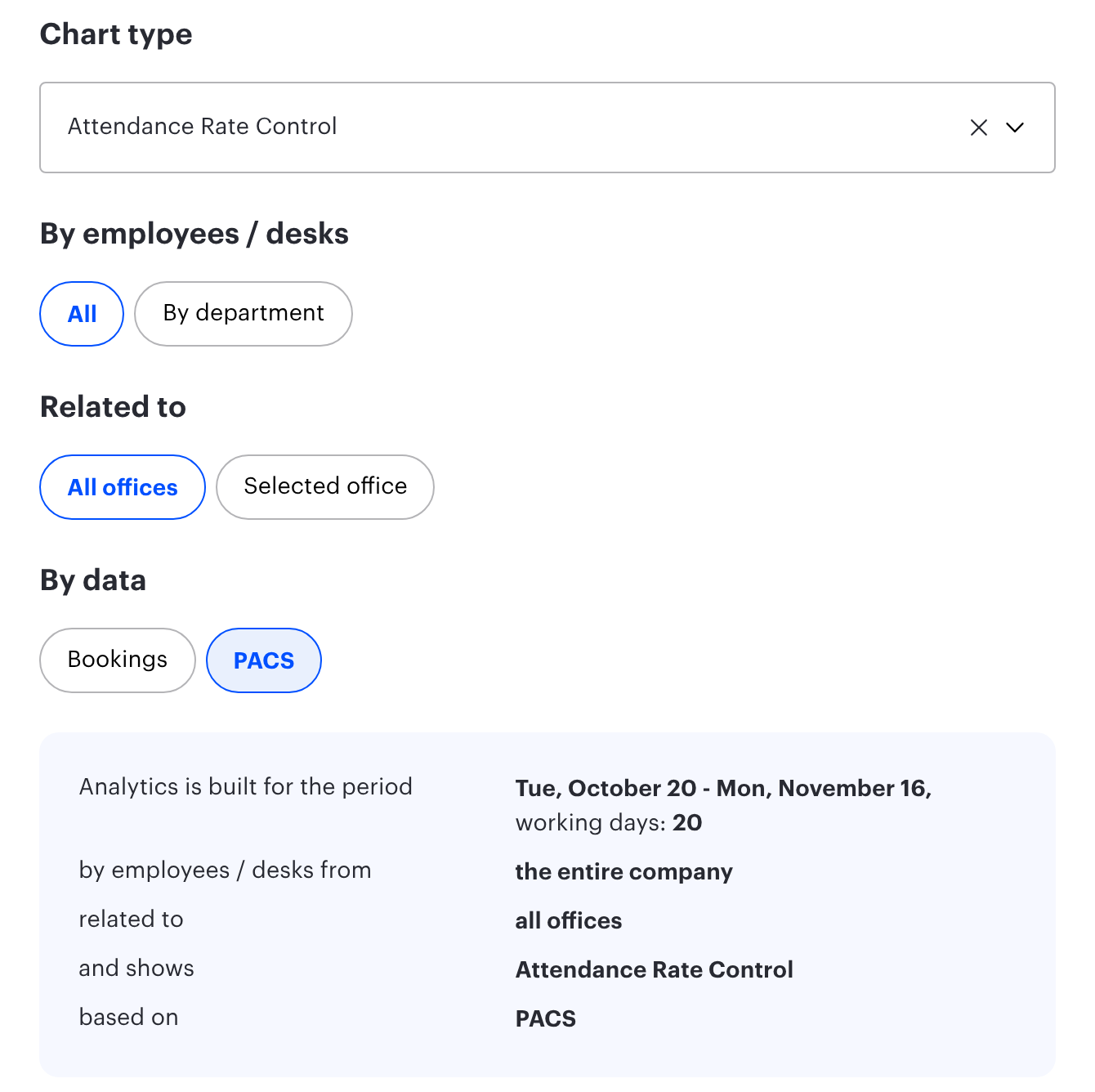
Employee analytics in UnSpot can now be built from access control data. The “Attendance Rate Control”, “Employee Work Schedule” and “Schedule completion tracking” charts take entries into account: a day when an employee entered the office counts as an office day, even without a booking.
One page instead of two
Employee and desk analytics are now combined on a single page — “By org structure”. The chart builder has a new “By data” choice: “Bookings” or “PACS”. The booking-based calculation is still there, so you can compare both views and see where they differ.
The period can still be grouped by days, weeks or months, and the “Related to” filter lets you look at all offices at once or at a single selected office — for example, to see how people use a new office after a move.
Managers see their own teams
The “By department” filter shows managers the departments they manage, including sub-departments, while admins see the whole company. Everyone looks at the people whose plans they are responsible for.
Where the data comes from
Entries reach UnSpot through an incoming webhook from your access control system or by uploading an export with the “Upload PACS data” button in analytics. If your system already sends entries to UnSpot, the new charts work with no extra setup.
What it gives you: conversations about hybrid schedules rest on how people actually come to the office, not on whether they booked a desk. It’s a tool for office planning and fair agreements, not for finding someone to blame.